
Search Rusk County Civil Court Records
Rusk County Civil Court Records are handled through the county clerk of circuit court in Ladysmith and can also be checked through the statewide Wisconsin Circuit Court Access portal. If you need to confirm a filing, find a docket trail, or ask for a copy, the county courthouse is the place where the full file lives. Rusk County keeps the search path fairly direct. Start with the public case summary, then use the clerk office when you need the record itself, a certified copy, or help with a local request. That step-by-step route keeps the search focused.
Rusk County Civil Court Records at the Clerk
The local source for Rusk County Civil Court Records is the clerk page at Rusk County court. The research lists the office at Rusk County Courthouse, 311 Miner Avenue East, Suite C140, Ladysmith, WI 54848. The phone number is (715) 532-2108, the fax is (715) 532-2237, and the office is open Monday through Friday from 8:00 a.m. to 4:30 p.m. That office handles filing of all court actions, including Divorce, Criminal, Civil, Small Claims, Traffic, and Restraining Orders.
That same office also manages jury work, a public access terminal, payments of fines and forfeitures, and payment plans with wage assignments. Rusk County also notes that online fine and court cost payment is available. Those details matter because the clerk office is more than a paper desk. It is the county's main civil court contact point, and it is the place where a search turns into a real request for the file.
The county court page is the first official stop for Rusk County Civil Court Records because it ties the courthouse, the office hours, and the local payment options together. That makes it easier to see which questions can be answered online and which ones need a direct call to Ladysmith.
The county court page at Rusk County court is the official local source behind the image below.
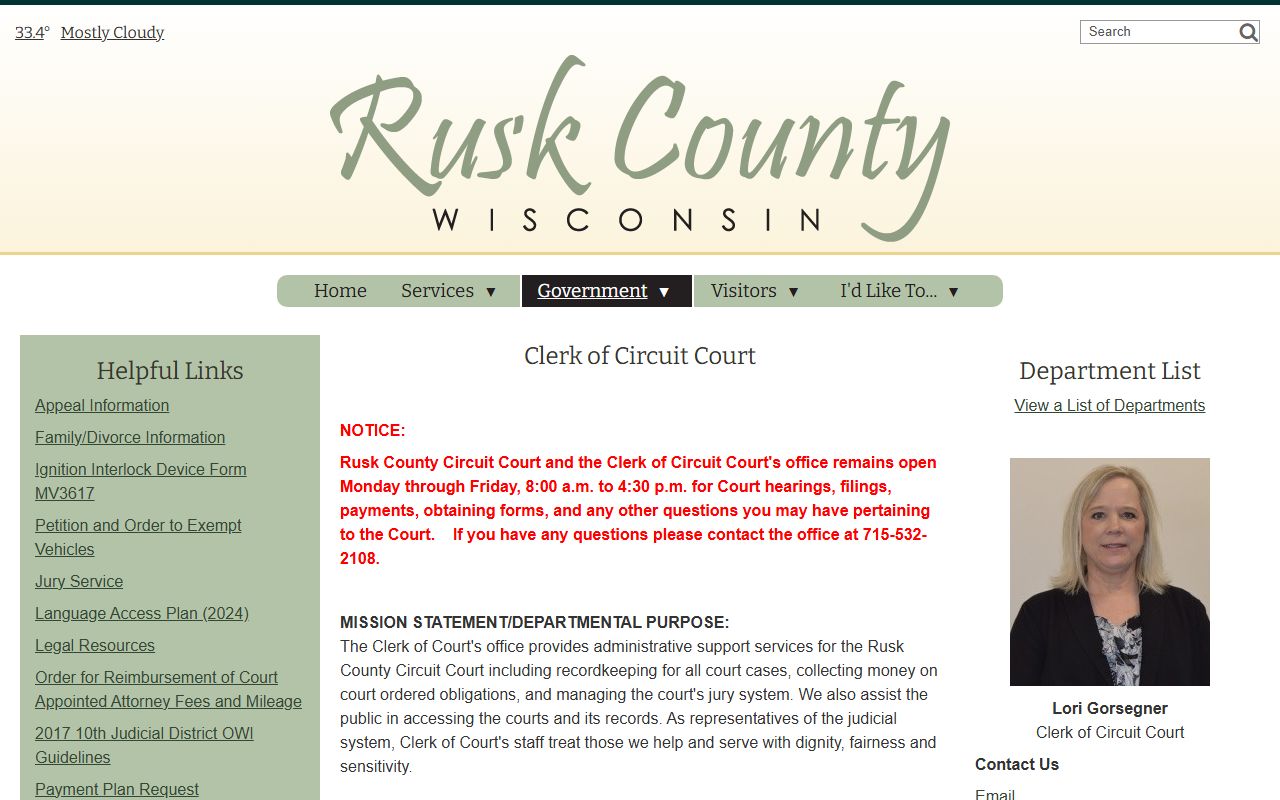
That image links back to the local courthouse page and helps keep Rusk County Civil Court Records tied to the office that actually holds the county file.
How to Search Rusk County Civil Court Records
For the public case summary, use Wisconsin Circuit Court Access. WCCA gives online access to Rusk County Civil Court Records by party name, business name, or case number. The portal shows the case information entered by court staff into the circuit court case management system. That means it is useful for seeing whether a case exists and for pulling the basic docket trail before you contact the clerk for the file.
The statewide portal is not the same thing as the full courthouse record. It updates hourly unless the site is under maintenance, and older converted cases can show less detail. That matters in a county like Rusk because a short entry can still lead to a complete file at the clerk office. A thin public summary is not the same thing as no record at all.
The Wisconsin Court System case search portal at case search and the Wisconsin State Law Library guide at court records guide are useful official backups when you want to understand how the statewide search works. Those pages explain what is public, what is only summarized, and why a county clerk is still needed when you want the signed document or a certified copy.
- Use the party name if you know it.
- Use the case number if you have it.
- Use the county clerk for the full file.
- Use the public portal for the quick check.
The statewide search page remains the fastest way to find the public summary for Rusk County Civil Court Records before you make a formal request.
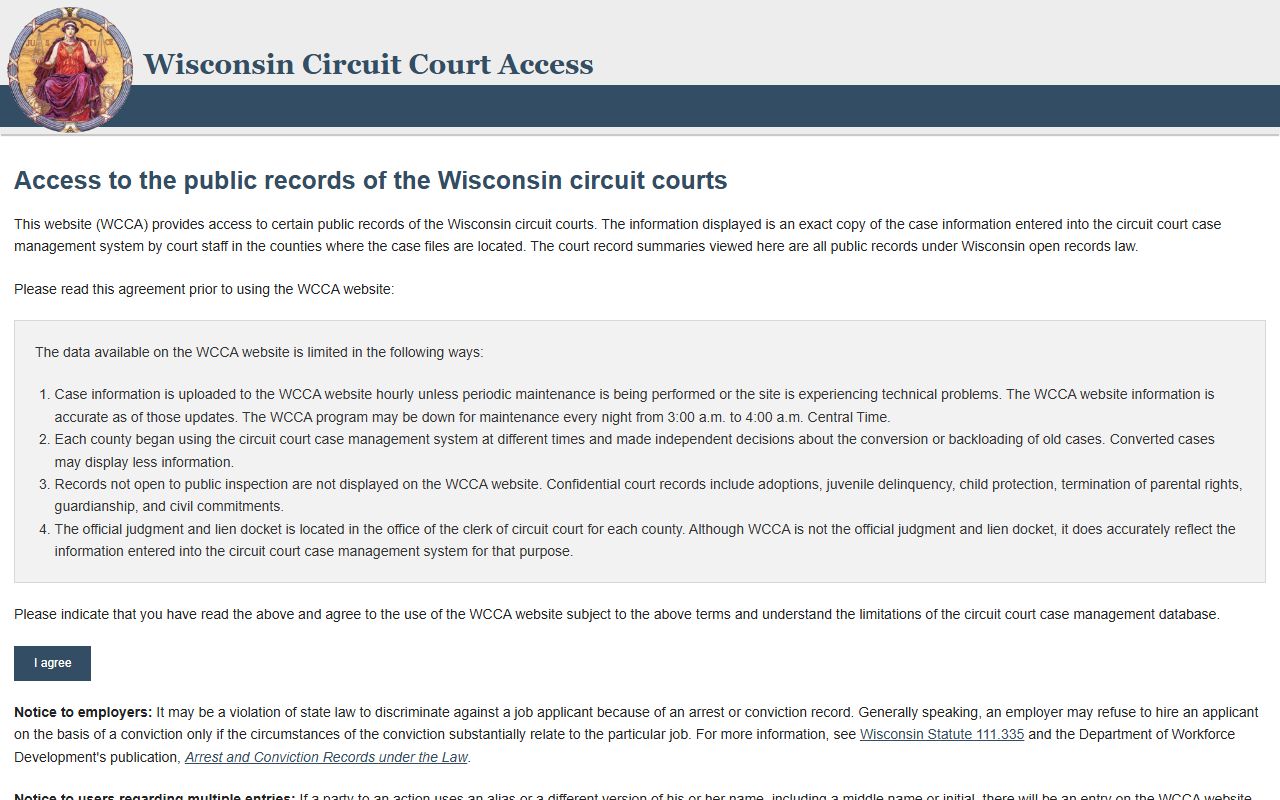
This image points to the WCCA portal, which is the first place many people check before they call the clerk office.
Rusk County Civil Court Records Copies And Requests
When you need the actual document, the clerk office is the right stop. Rusk County Civil Court Records requests can be handled through the courthouse in Ladysmith, and the office can tell you how to ask for copies, what payment step comes next, and whether the file is in the courthouse or in another storage path. Because the local page says payment plans and wage assignments are handled there too, the office is clearly set up to manage both record work and related court costs.
If you do not have the case number, start with the party name and an estimated filing year. If you do have the case number, give it first. That one detail usually speeds up the search. The county clerk can also help you tell the difference between a plain copy and a certified copy, which matters when the record is being used for another office, a court step, or a formal proof request.
For a broader official backup, use the statewide clerk contact directory at Wisconsin clerk contact directory. That page confirms the county office information and is especially useful if you need a second official source before mailing a request. The statewide forms page at Wisconsin court forms is also useful when a written request needs to be prepared cleanly.
The Wisconsin court forms page can help if your Rusk County Civil Court Records request needs to be written out or paired with a later filing.
That image keeps the request path tied to the official state court system rather than a private records site.
Rusk County Civil Court Records Public Access
Wisconsin public access rules are broad. Wisconsin Statutes Chapter 19 sets the state's open-records policy, and Supreme Court Rule 72 sets the retention framework for court records. For Rusk County Civil Court Records, those rules explain why many civil files can be searched publicly while some categories remain limited or confidential. They also explain why a case can still exist locally even when the online summary is thin.
The WCCA oversight page at WCCA oversight helps explain why some records remain on the portal longer than others and why confidential records are not displayed there. If you need to understand the portal itself, that page is a useful official source. It is also a reminder that the county clerk remains the office of record even when the public portal shows the docket trail.
Rusk County Civil Court Records are therefore best handled in two steps. Search online first, then go to the courthouse for the file. That keeps the process simple and makes it easier to get the part of the record you actually need.
The WCCA oversight page helps explain how the public portal handles Rusk County Civil Court Records and why some files are limited online.
That image links back to the local court page and keeps the county office at the center of the records search.