
Search Rock County Civil Court Records
Rock County Civil Court Records are handled by the county clerk of circuit court in Janesville and can also be checked through Wisconsin Circuit Court Access. If you need to confirm a civil filing, review a docket, or ask for a copy, Rock County gives you both a local courthouse office and a statewide public portal. Because Rock County is a major county, the best starting point is usually the public summary first and the clerk office second. That keeps the search focused and helps you tell the difference between a case listing and the actual court file.
Rock County Civil Court Records at the Clerk
The official local source for Rock County Civil Court Records is the Rock County Clerk of Circuit Court. The research lists the office at 51 South Main Street, Janesville, WI 53545, with phone number (608) 743-2200 and fax (608) 743-2291. Office hours are Monday through Friday, 8:00 am to 4:30 pm. The county also lists court date information through the clerk office and separate contact details for the Register of Deeds. Those details matter because they show which office handles the court file and which office handles recorded documents.
The county clerk page at Rock County Clerk of Circuit Court is the main local source. It is the page that points users to court date information, office contact details, and the local route for circuit court record help. For civil files, the clerk remains the office that can provide the record or direct the requester to the right next step. That is the most useful place to start when a search begins with a name and not a case number.
Rock County Civil Court Records are easier to request when you know the case number, the party name, and whether you need a plain copy or a certified copy. The county office is direct and local, so a clear request works best. That is especially true in a county with a busy courthouse and a large daily case load. If you already have the basic case details, the clerk office can move the request along much faster.
The county also documents Rock County record request procedures at Rock County record requests. That page is helpful when you want to know how to reach the office by email, phone, fax, mail, or in person. It also supports a request for copies because it puts the office process in one official place instead of scattering the steps across different sources.
The Rock County clerk page is the official local source for Rock County Civil Court Records contact details.
That image points to the county clerk page and gives Rock County Civil Court Records a direct courthouse contact source.
How to Search Rock County Civil Court Records
For the public summary, start with Wisconsin Circuit Court Access. Rock County Civil Court Records on WCCA can be searched by party name, business name, or case number. The portal shows the case summary entered by county court staff and is the fastest way to confirm whether the file exists before you ask for a copy. That is especially useful in a county with a large docket. It can save time when you are matching a person or business to the correct circuit court case.
WCCA is a summary system, not the full file. Older converted records may show less detail, and the portal does not replace the clerk office. If you need the actual order, motion, judgment, or certified copy, the county clerk office is still where the request goes. That two-step method is the cleanest way to work with Rock County Civil Court Records because it separates the quick public check from the official courthouse record.
The statewide case search portal and the State Law Library court records guide are good backups if you want a broader explanation of how public circuit records are arranged. They are helpful when a search result is thin or when you need to understand the difference between a docket entry and a courthouse file. Rock County users often benefit from having both the local clerk page and the statewide search tools open at the same time.
If the first search does not show what you expected, double-check the spelling of the party name and then look again by case number or business name. A major county like Rock can have more than one similar match, so the exact search term matters. The WCCA portal still gives the best first look at Rock County Civil Court Records, while the clerk office remains the source for the actual file.
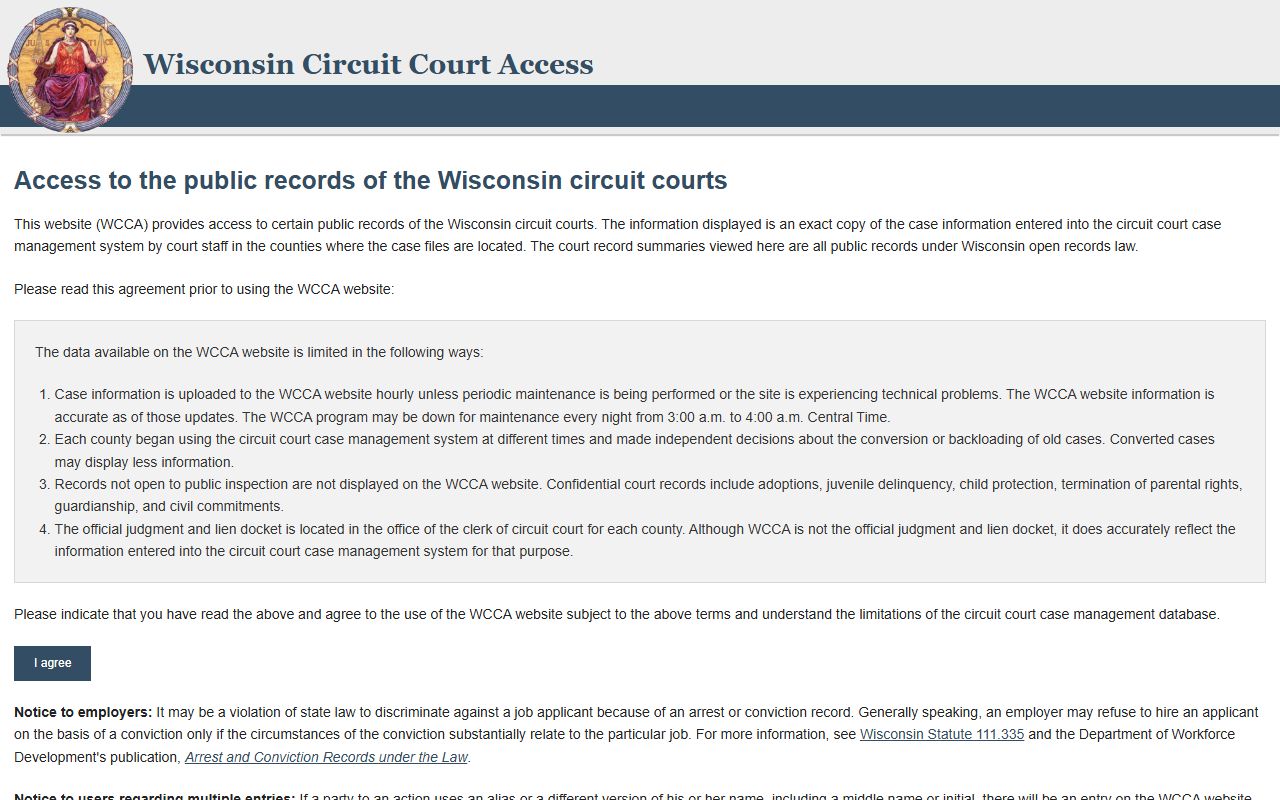
The WCCA portal is the main statewide search tool for Rock County Civil Court Records.
That image shows the statewide portal used to confirm a Rock County civil case before contacting the clerk.
Rock County Civil Court Records Copies and Requests
When you need a copy, Rock County Civil Court Records should be requested from the clerk office. The county clerk can tell you how to request a plain copy or a certified copy and can confirm whether a file is on site or needs to be pulled. If you do not know the case number, the office can still help if you have the party name or another identifying detail. A specific request is always better than a vague one. It helps the clerk locate the right file and avoids a second call.
Rock County users should also remember that the clerk office is where court date information is handled. That means one call can often solve two problems at once: a records question and a scheduling question. That is a useful local feature in a courthouse that handles a large volume of cases. It keeps the records request tied to the same office that knows the case history. The office page and the record requests page together give a clearer path than a generic directory listing.
For statewide backup, the Wisconsin Court System clerk directory is the official source for office contact verification. The state forms page is also useful if a search later turns into a filing or a written request. Those sources keep Rock County Civil Court Records work inside the official court system and give you a second official route if the local page is not enough. That matters when you want to verify the office before you mail a request or plan a visit.
Rock County Civil Court Records requests can also benefit from checking whether the clerk page has the right division or office note before you call. That matters in a county where one office handles multiple record needs and where a caller may be redirected if the request is aimed at the wrong desk. A little extra checking up front can save a second trip. If the file is older or off site, the office can usually tell you that before you make the drive.
Rock County also posts basic copy and access guidance on its official pages, which can help you decide whether you need a copy, a certified copy, or only a docket check. That is one reason the county page is useful even before you search WCCA. It gives the request a local route, and it keeps the process inside official records tools from the start.
The statewide clerk directory helps verify Rock County Civil Court Records office details when you need a second official source.
That image ties Rock County Civil Court Records back to the courthouse office that keeps the file.
Rock County Civil Court Records Public Access
Wisconsin public access starts with Wis. Stat. Chapter 19, and Supreme Court Rule 72 explains retention. Those rules help explain why Rock County Civil Court Records are public in summary form while the local clerk office still keeps the official file. The portal is the public check. The clerk is the copy source. That split is normal in Wisconsin and it helps keep the search process orderly.
Rock County Civil Court Records are easiest to manage when you search in order. Use WCCA first. Use the county clerk page second. Use the record requests page third if you need a written or mailed request. Use the state forms page if you later need to file something. That keeps the search process simple and avoids relying on outside sources that are not part of the Wisconsin court system. It also keeps the request grounded in official county and state pages.
If you need forms, Wisconsin keeps them at Wisconsin court forms. That page is a useful companion when a Rock County civil search turns into an actual filing or document request. It is especially handy if the docket tells you the case exists but the next step is to prepare a document for the court. The forms page gives you the official starting point for that follow-up.
When a search result is incomplete, the safest next step is still an official one. Check the county page, confirm the office hours, and use the statewide tools before you assume the record is missing. That approach keeps the search focused and fits the way Rock County Civil Court Records are organized. It also reduces the chance of using an unofficial copy or a third-party summary that leaves out the details you actually need.