
Search Outagamie County Civil Court Records
Outagamie County Civil Court Records are handled through the Clerk of Circuit Courts office in Appleton and the statewide Wisconsin Circuit Court Access system. If you need to find a civil case, confirm a filing, or request a copy, the county office and the public portal work together. Outagamie County is one of Wisconsin's larger counties, so the records flow can be active and the search path can be busy. That makes the public summary useful for the first check and the clerk office essential when you want the actual file or a certified copy.
Outagamie County Civil Court Records at the Clerk
The local office for Outagamie County Civil Court Records is the Clerk of Circuit Courts at the Outagamie County Justice Center, 320 South Walnut Street, Appleton, WI 54911. The office phone is (920) 832-5131 and the fax is (920) 832-5115. The posted hours are Monday through Friday, 8:00 a.m. to 4:30 p.m. That office is the source for civil case copies, file questions, and local records requests when the public search only gives a summary.
The county clerk page at Outagamie County Clerk of Circuit Courts is the official local contact page for the county's civil record office. The research says the office can handle requests in person, by mail, by fax, or by phone. That is a useful mix because it means a requester can work from home if needed and still reach the courthouse with the correct case information. It also means the county can be contacted in the way that best fits the type of record request.
The county is large enough that the public summary can be the fastest way to narrow the case before the clerk gets involved. That local rhythm matters for Outagamie County Civil Court Records because a clear public docket entry can save a lot of back-and-forth when the office is asked for a specific judgment, order, or pleading.
Outagamie County also gives a strong local routing path because the clerk office is at the Justice Center rather than in a separate satellite building. That makes the address easy to remember and the records workflow easier to explain to anyone who is new to the county. When the public summary is not enough, that direct courthouse location makes the next step feel much less scattered.
How to Search Outagamie County Civil Court Records
Start with Wisconsin Circuit Court Access when you need a public summary. WCCA gives online access to Outagamie County Civil Court Records by party name, business name, or case number. It shows the case data entered by county court staff and is the quickest way to see whether a civil matter exists before you call the clerk office. For a county as active as Outagamie, that public check is often the easiest way to avoid a blind records request.
The portal is a summary, not a document vault. That matters. Older files may show less detail, and the site does not provide the full paper record in most cases. If you need the signed order or a certified copy, the clerk office is where the request has to go. The statewide Wisconsin case search portal and the State Law Library court records guide are good official references when you need to understand the difference between online docket data and the courthouse file.
Outagamie County Civil Court Records are also easier to search when you have a case number. The county fee schedule says there is a name search fee when the case number is not provided, so a little WCCA work up front can save money and time. That is one more reason the portal and the county clerk page should be used together, not separately.
The WCCA portal is the main statewide search tool for Outagamie County Civil Court Records.
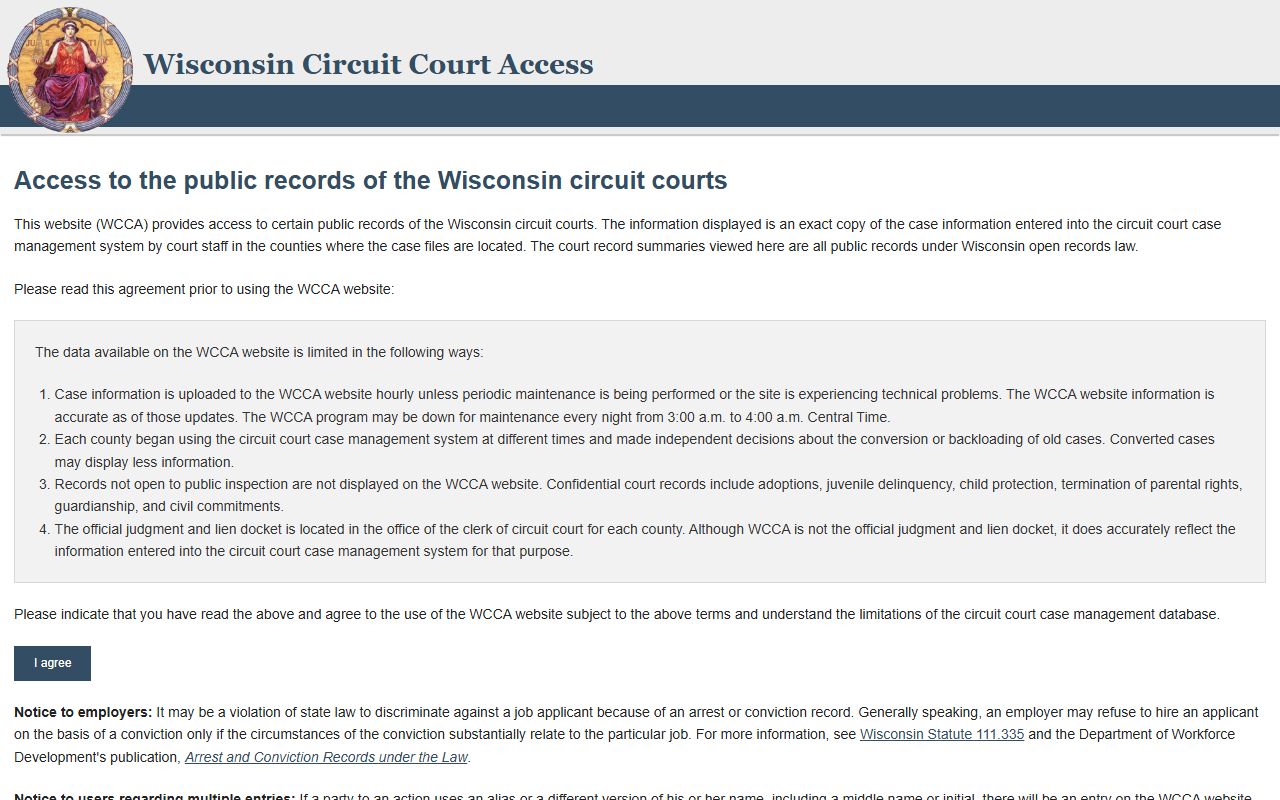
That image shows the public search layer that helps users confirm a civil case before contacting the clerk.
Outagamie County Civil Court Records Copies and Fees
Outagamie County lists its copy fees clearly. Standard copies are $1.25 per page, certified copies are $5.00 per document, and there is a $5.00 name search fee when the case number is not provided. That fee setup tells you a lot about how the county wants requests prepared. If you can find the case in WCCA first, you may avoid the search fee and make the office's job easier at the same time.
Because the county research lists in-person, mail, fax, and phone requests, Outagamie County Civil Court Records can be requested in a way that fits the user's situation. If the case is old or the document name is unclear, the clerk office is still the office that can say what is available. If the case is current, a specific request can often move faster because the office already knows the file location and the correct civil case reference.
For longer-term reference, the state court forms page can help when a records request turns into a filing question. The clerk directory is also useful when a user wants to verify the Appleton office contact before mailing the request. Those state tools are not a substitute for the county clerk, but they are strong official backups when the local page is the only county source in the research set.
The Outagamie County clerk page is the local source for request methods and fee details tied to Outagamie County Civil Court Records.
Note: A case number can save both time and the county's name-search fee, so WCCA is usually worth checking before you submit the local request.
Outagamie County Civil Court Records Public Access
Outagamie County Civil Court Records follow Wisconsin's public-access rules just like any other county. Wisconsin Statutes Chapter 19 lays out the state policy for open records, and Supreme Court Rule 72 explains how court records are retained and handled. Those rules explain why a public summary may be visible online while the full file still has to be requested from the county clerk.
If you need more support after the search, the statewide clerk contact directory is the best place to verify the county office, and the court forms page is the best place to find an official form. The state does not store the county file for you. What it does give you is the bridge between a public summary and a local records request, which is exactly what a county like Outagamie often needs.
That bridge is especially useful in Appleton because the Justice Center handles a high volume of county court traffic. The same office that gives out copies can also help point a requester toward the right format for the request, which matters when the case is older, the document name is vague, or the public docket needs to be matched to a specific file.
Outagamie County Civil Court Records are therefore a two-step process. Search the portal, then contact the clerk. That keeps the request grounded in the county office that maintains the record and avoids guessing when the case is large, old, or only partly visible online.