
Search Appleton Civil Court Records
Appleton Civil Court Records are kept by Outagamie County, while the Appleton Municipal Court handles city matters that are not the same thing. That split is important because people often begin with the city name and expect one office to manage every court file. In Appleton, the municipal court can help with local ordinance matters, but the circuit civil file stays at the county clerk office. If you want a summary, a copy, or the right office for a civil case, Appleton gives you a clear county path once you know which record type you need.
Appleton Civil Court Records At Outagamie County
The Outagamie County Clerk of Circuit Courts is the office that keeps Appleton Civil Court Records. The research lists the office at Outagamie County Justice Center, 320 South Walnut Street, Appleton, WI 54911, with phone (920) 832-5131 and fax (920) 832-5115. The office hours are Monday through Friday, 8:00 a.m. to 4:30 p.m. The county also lists standard copy fees of $1.25 per page, $5.00 per certified document, and a $5.00 name search fee if the case number is not provided.
That fee structure is helpful because it tells you how Outagamie County wants a civil request framed before you file it. In a city like Appleton, a precise request saves time because the clerk office can get straight to the right record instead of spending extra time searching. The county office is also the source if you need to know whether a file is ready, whether it is electronic, or whether the office needs more information.
The Outagamie County Clerk of Circuit Courts page is the main local source for Appleton Civil Court Records.
That image points to Appleton Municipal Court, which is a useful city court reference but not the home of Appleton Civil Court Records.
Appleton works best when you keep the county clerk in the center of the search and treat the city court as a separate local office for city matters only.
How To Search Appleton Civil Court Records
Use Wisconsin Circuit Court Access to search Appleton Civil Court Records by party name, business name, or case number. WCCA gives public case summaries entered by county staff and is the fastest way to confirm that a civil file exists before you contact the county clerk. It is especially useful in Appleton because the city is large enough to produce many cases with similar names or repeated parties.
Like every county in Wisconsin, Outagamie County uses WCCA as the public summary layer, not as the full file. If you only need a case status or docket trail, the portal is enough for the first step. If you need a signed order, a filing, or a certified copy, the clerk office is where the request has to land. The portal can point you to the case, but not finish the request by itself.
The state case search portal at wicourts.gov/casesearch.htm and the Wisconsin State Law Library court records guide help explain the public search system. They are useful when you need a second official source for the search path or when you want to understand how docket data differs from the full record file.
The WCCA portal is the first public search step for Appleton Civil Court Records.
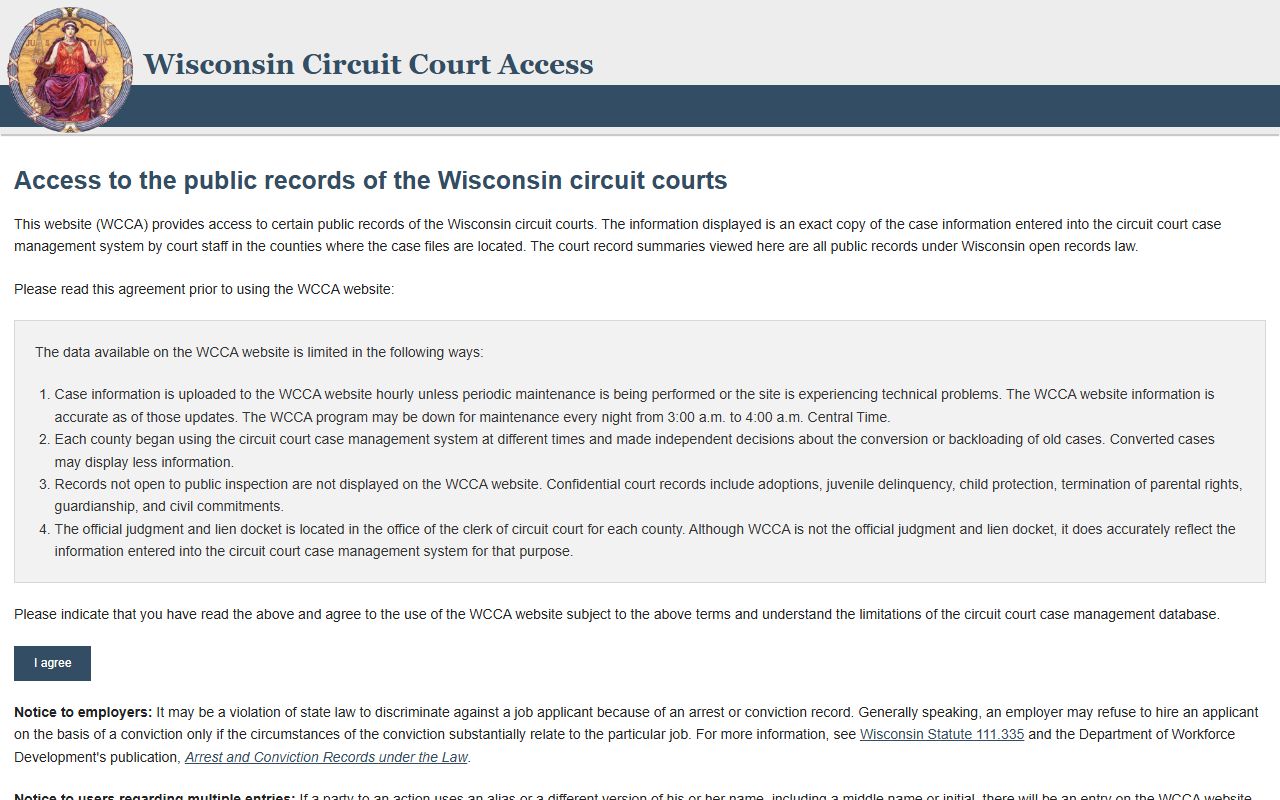
That image points to the statewide public search tool that Appleton users can use before contacting the county clerk.
Appleton Municipal Court And City Records
Appleton Municipal Court is a court not of record. It is located at 100 N. Appleton Street, Appleton, WI 54911, with phone (920) 832-6150 and office hours Monday through Friday, 8:00 a.m. to 4:30 p.m. That court handles city matters, but it is not the place for Appleton Civil Court Records. It is still worth knowing because many users start with the city court before they learn the civil file lives at the county level.
The municipal court page is a city-level source that helps separate local ordinance matters from county circuit court records. That distinction saves time because it keeps the request on the right side of the line from the beginning. If you need a city case, the municipal court is the place to ask. If you need a civil circuit file, the county clerk remains the office of record.
Appleton Municipal Court is the city court page, while Outagamie County keeps Appleton Civil Court Records.
That image points to the municipal court page and helps show where city matters are handled apart from the county civil file.
Appleton Civil Court Records Copies And Requests
When you need a copy of an Appleton civil file, the Outagamie County clerk is the office to contact. The county page gives you the copy fee, the certified-copy fee, and the name search fee if you do not have a case number. That is a helpful setup because it lets you plan the request before you mail it or call it in. A case number still makes things easier, but the county fee schedule tells you what happens if you do not have one.
The city court can handle local ordinance records, but a civil circuit file stays with the county. Appleton users often cross over between the two because the city and county names are so closely tied together. Once you know the difference, the record request becomes much easier to manage. The county clerk and WCCA are the two tools that matter most for the civil file.
The Outagamie County Clerk of Circuit Courts and Appleton Municipal Court are the main local sources for record requests and city matters.
The city and county pages work together when you are not sure where a file belongs, but the clerk office remains the place that releases Appleton Civil Court Records.
Appleton Civil Court Records Access Rules
Wisconsin Civil Court Records are public under Wis. Stat. Chapter 19, and Supreme Court Rule 72 explains how court records are retained and handled. In Appleton, that means the county clerk keeps the file, WCCA shows the summary, and the municipal court stays separate for city matters. The public search and the courthouse file work together, but they are not interchangeable.
If you need forms after locating the case, the state court forms page at wicourts.gov/forms1.htm is the official place to look. If you need a statewide backup for office contacts or process help, the clerk directory and the State Law Library guide are both useful. They help keep the search inside official court sources only.
Appleton Civil Court Records are easiest to manage when you use the city court for city matters, WCCA for the public case summary, and the Outagamie County clerk for the file itself. That simple sequence avoids the most common records mix-up in the city.